
Cake Maker Kids (Ads Free)1.20 - Google Play
You'll be able to see results in few seconds.
Publisher Description



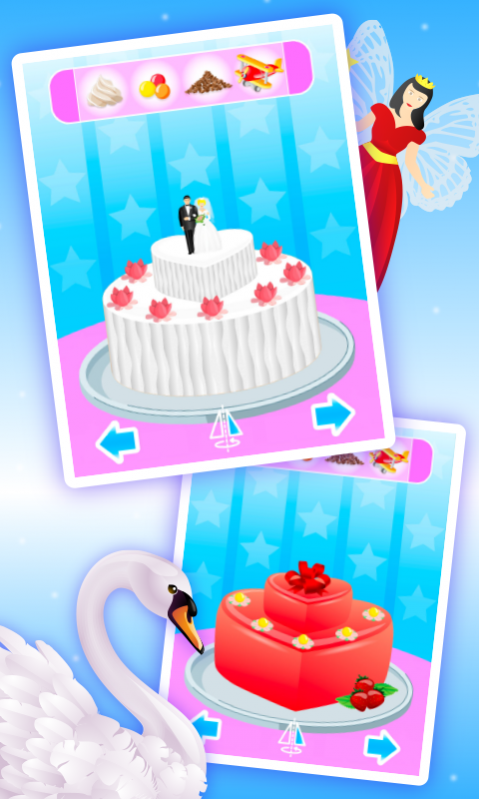








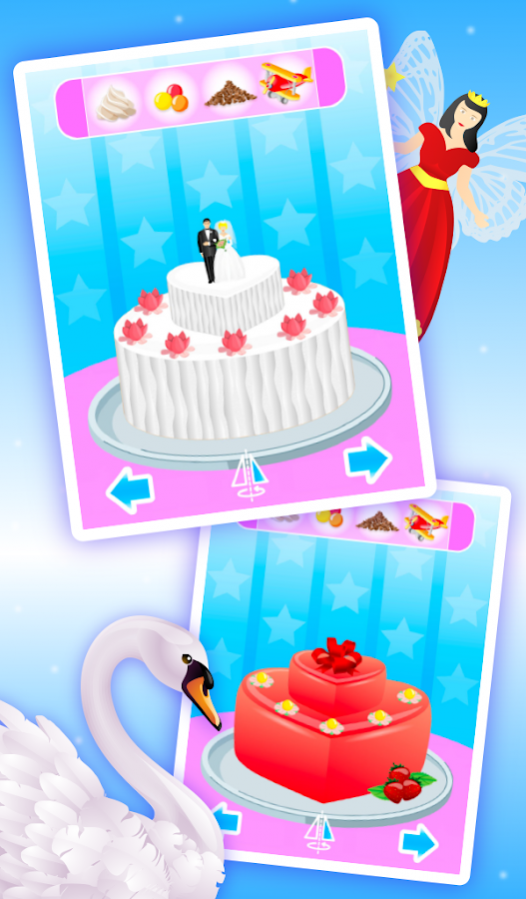

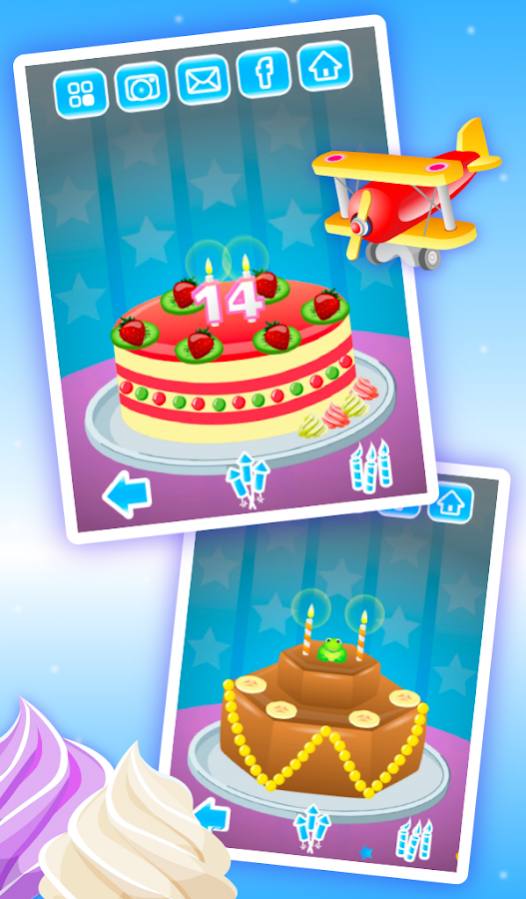

Have fun making a cake, make a wish, then eat the cake or send it as a gift.
Whether you're a boy or a girl, everybody has a sweet tooth, especially when a yummy piece of cake is on the plate.
Cake Maker Kids allows you to create a cake for any occasion. If you want to make a cake for someone’s birthday, your friend's wedding, or maybe to surprise your valentine sweetheart or just to brighten someone’s day, then Cake Maker Kids is the app for you.
You can choose from numerous cake shapes with different fillings, create one or two storey cakes with different dressings, decorate it with figures for various occasions, add marzipan decorations, fresh fruits, candy and cream. Sprinkle it with crumbs, put on some candles and add little toys to make it even more attractive.
Now, let's the party begin - watch and launch fireworks, blow out the candles and have a taste of the cake you've just created.
You can take a photo of your masterpiece and save it to your photo gallery.
Features:
★ beautiful high quality HD graphics
★ intuitive, easy to use interface
★ infinite gameplay with unlimited combinations
★ many different cake shapes with dressings for each of two storeys
★ lots of toppings, candies, fruits, creams, candles, crumbs, marzipan
★ figures and sound making toys for decoration
★ screenshots can be saved in your photo gallery to how to your friends
★ slide puzzle minigame
About Cake Maker Kids (Ads Free)
The company that develops Cake Maker Kids (Ads Free) is Bubadu. The latest version released by its developer is 1.20.
To install Cake Maker Kids (Ads Free) on your Android device, just click the green Continue To App button above to start the installation process. The app is listed on our website since 2017-11-27 and was downloaded 0 times. We have already checked if the download link is safe, however for your own protection we recommend that you scan the downloaded app with your antivirus. Your antivirus may detect the Cake Maker Kids (Ads Free) as malware as malware if the download link to si.pilcom.apps.cakemakerkidsadsfree is broken.
How to install Cake Maker Kids (Ads Free) on your Android device:
- Click on the Continue To App button on our website. This will redirect you to Google Play.
- Once the Cake Maker Kids (Ads Free) is shown in the Google Play listing of your Android device, you can start its download and installation. Tap on the Install button located below the search bar and to the right of the app icon.
- A pop-up window with the permissions required by Cake Maker Kids (Ads Free) will be shown. Click on Accept to continue the process.
- Cake Maker Kids (Ads Free) will be downloaded onto your device, displaying a progress. Once the download completes, the installation will start and you'll get a notification after the installation is finished.
Program Details
System requirements
Download information
Pricing
Version History
version 1.20
posted on 2017-11-27
Bugs fixed
version 1.17
posted on 2015-05-29
version 1.09
posted on 2013-06-27
Several fixes and updates
Disclaimer
Official Google Play Link
We do not host Cake Maker Kids (Ads Free) on our servers. We did not scan it for viruses, adware, spyware or other type of malware. This app is hosted by Google and passed their terms and conditions to be listed there. We recommend caution when installing it.
The Google Play link for Cake Maker Kids (Ads Free) is provided to you by apps112.com without any warranties, representations or guarantees of any kind, so access it at your own risk.
If you have questions regarding this particular app contact the publisher directly. For questions about the functionalities of apps112.com contact us.
